
Install the ZLG Windows Driver
Before using a CANmeleon device running ZLG CAN or CAN FD firmware on Windows, install the official ZLG driver package that matches the active firmware model.
Download the Driver
Open the ZLG official driver download page (Chinese) and download the Windows USB driver archive corresponding to your active CANmeleon firmware mode:
- USBCAN-II (firmware overview)
- USBCAN-2E-U (firmware overview)
- USBCANFD-200U / USBCANFD-400U (firmware overview)
Installation Steps
Download the driver archive matching your active device model (
USBCAN-II,USBCAN-2E-U, orUSBCANFD-200U/400U).Extract the archive and run the driver installer executable.
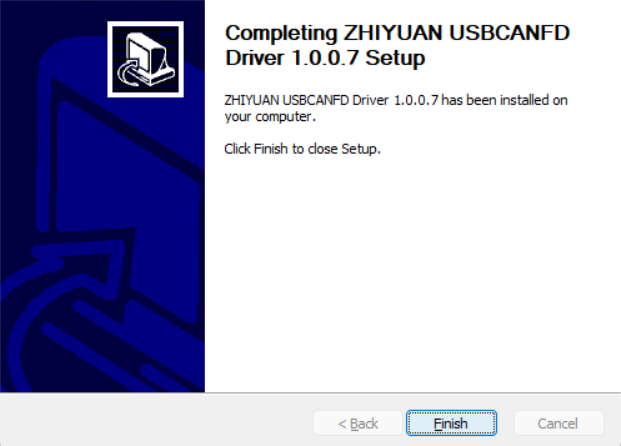
Follow the setup wizard with default options, select an installation directory if prompted, and click Finish when installation completes.
Connect the device and open Windows Device Manager to confirm that it enumerates cleanly (for example,
USBCANFD-200Uunder Universal Serial Bus devices).
Troubleshooting
Software Reports "Failed to Open Device" After Driver Installation
If Windows Device Manager detects the device normally but ZCANPRO, CANtest, or custom software reports 打开设备失败 (Failed to open device), the Microsoft Visual C++ 2005, 2008, 2010, or 2013 Redistributable packages may be missing or corrupted on the PC.
Install or repair the Microsoft Visual C++ Redistributable packages as described in ZLG's driver installed but opening device fails troubleshooting note (Chinese). If the error persists, uninstall the existing Visual C++ 2005–2013 redistributables first and reinstall clean copies.