CANalyst-Ⅱ Windows Driver Setup
Before using a CANmeleon device running CANalyst-Ⅱ firmware on Windows, install the matching Chuangxin WinUSB driver package and confirm that Windows enumerates the device cleanly.
Obtain the Driver Package
Install the Driver
- Locate the USB driver installer inside the downloaded Chuangxin resource archive, such as
USB驱动安装工具Setup(Vx.xx).exe. - Run the installer, keep the default options in the setup wizard, and complete installation of all driver components.
Verify Device Recognition
- Connect the device running CANalyst-Ⅱ firmware and open Windows Device Manager.
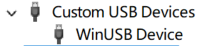
- Expand Custom USB Devices and confirm that WinUSB Device is listed without warning icons.
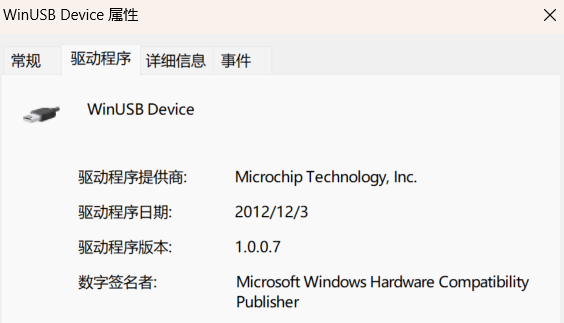
- Double-click WinUSB Device and open the Driver tab to check the installed driver version (for example,
1.0.0.7).